> ## Documentation Index
> Fetch the complete documentation index at: https://docs.infotobiz.com/llms.txt
> Use this file to discover all available pages before exploring further.
# User Guide
> Usage tricks that can make you more productive.
Getting started is the hardest part.
## Save your first record
### Basic Page Information
The extension automatically parses the title, description, og-image from the webpage and automatically fills in the fields.
We can see an [example](https://sentry.io/welcome/) below.
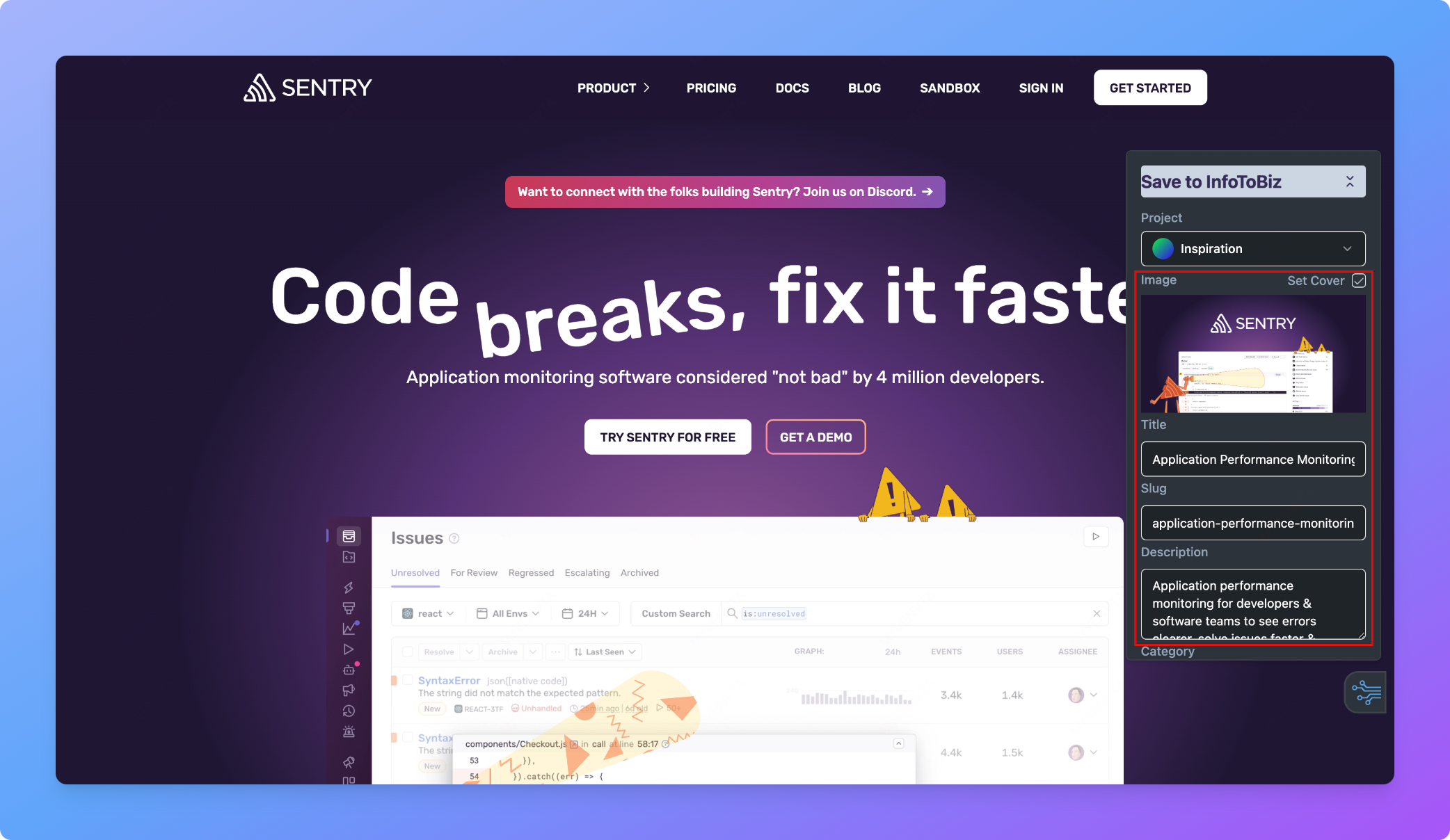 The title, description and og-image are originally used for SEO. The search engine could know what does this website do.
* Image: You can set a cover to each database record. We set the image to be the cover by default. Users can deselect it if they don't like it.
* Title / Description: you can change the words as you want.
* Slug: slug is the unique key used for SEO. As you change the title, this field will change automatically. If you want to turn your database into blogs. Slug should be unique and will be display on the url of blog.
### Project
As you click the entension, it will get all the projects you created on InfoToBiz.
The title, description and og-image are originally used for SEO. The search engine could know what does this website do.
* Image: You can set a cover to each database record. We set the image to be the cover by default. Users can deselect it if they don't like it.
* Title / Description: you can change the words as you want.
* Slug: slug is the unique key used for SEO. As you change the title, this field will change automatically. If you want to turn your database into blogs. Slug should be unique and will be display on the url of blog.
### Project
As you click the entension, it will get all the projects you created on InfoToBiz.
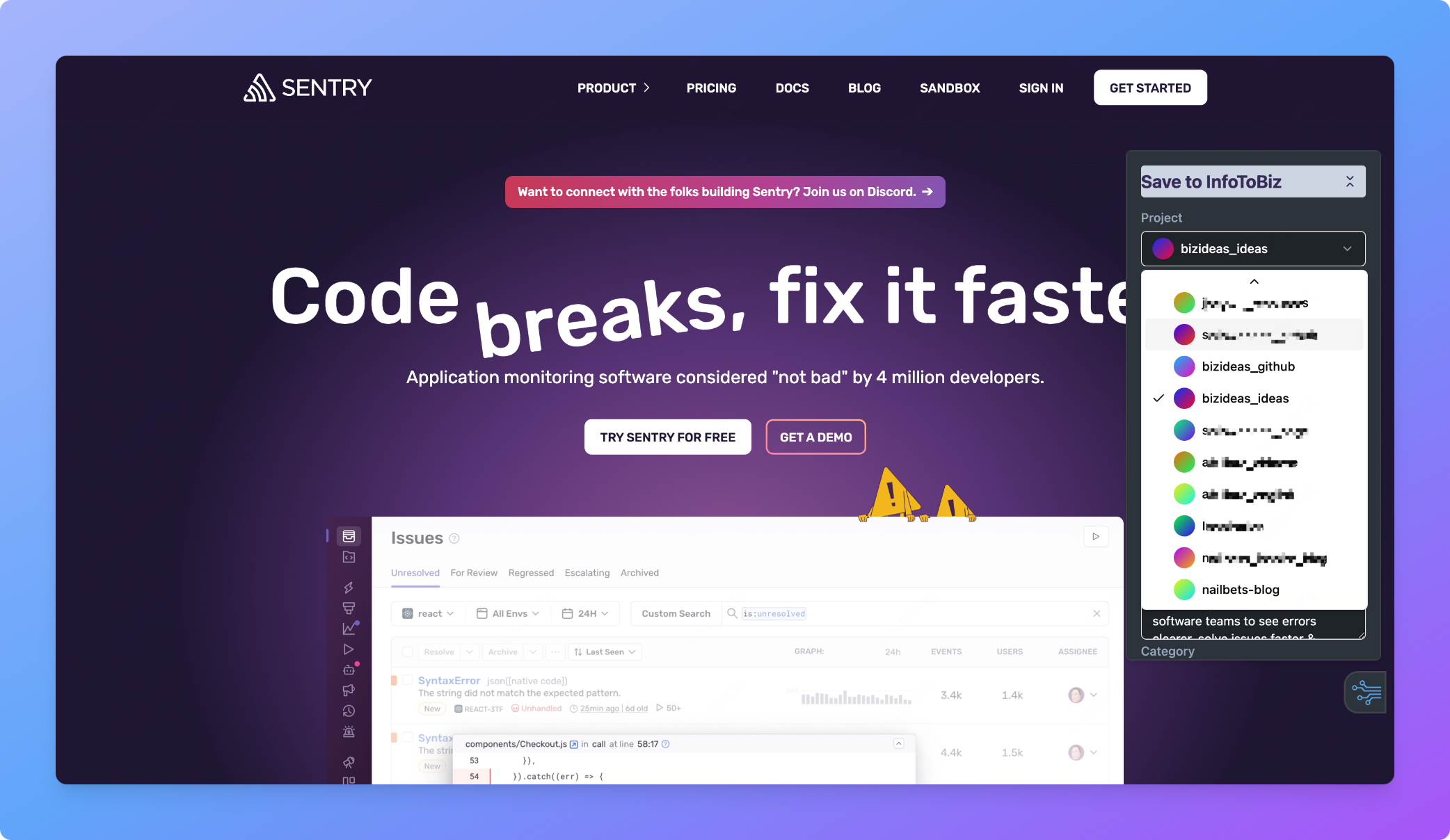 Pick a project that you want to collect this record in.
### Category
This is a single-select type field. The options are the same as those in the notion database.
Pick a project that you want to collect this record in.
### Category
This is a single-select type field. The options are the same as those in the notion database.
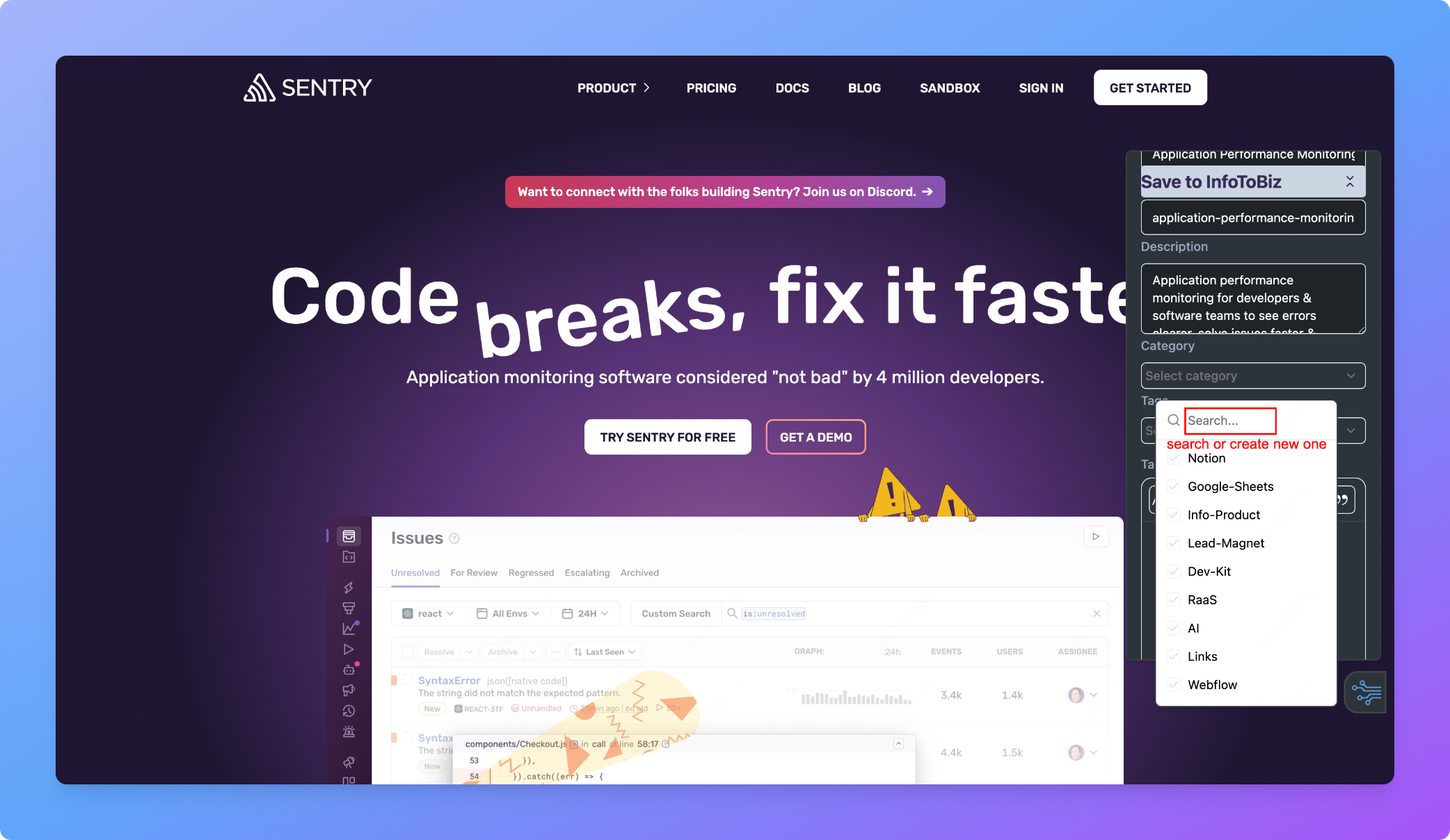 If you want to create a new one. Type in the new category and type "enter".
### Tags
This is a multi-select type field. The options are the same as those in the notion database.
If you want to create a new one. Type in the new category and type "enter".
### Tags
This is a multi-select type field. The options are the same as those in the notion database.
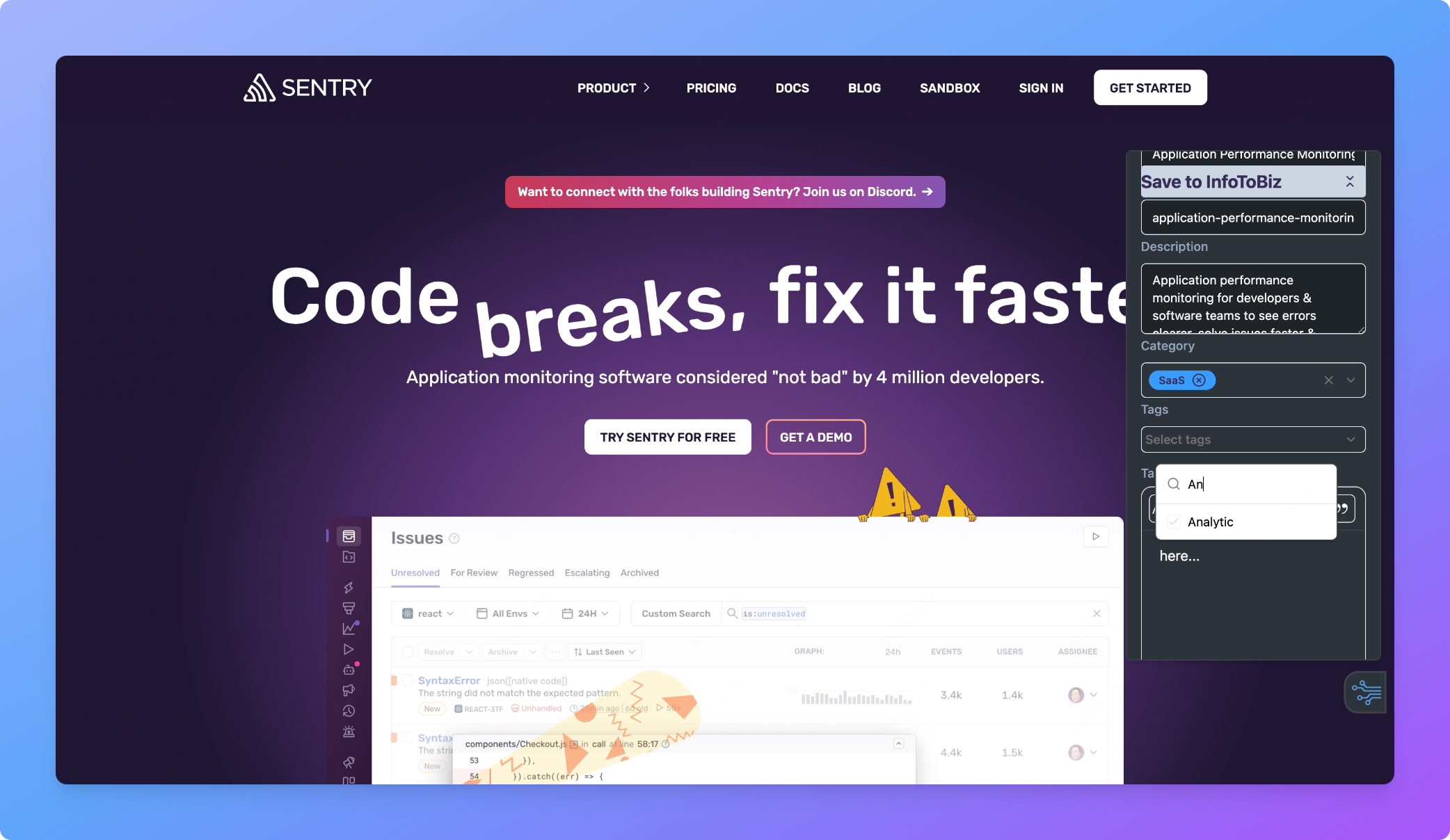 If you want to create a new one. Type in the new category and type "enter".
You can select multiple tags.
### Notes
We provide a rich-text editor.
If you want to create a new one. Type in the new category and type "enter".
You can select multiple tags.
### Notes
We provide a rich-text editor.
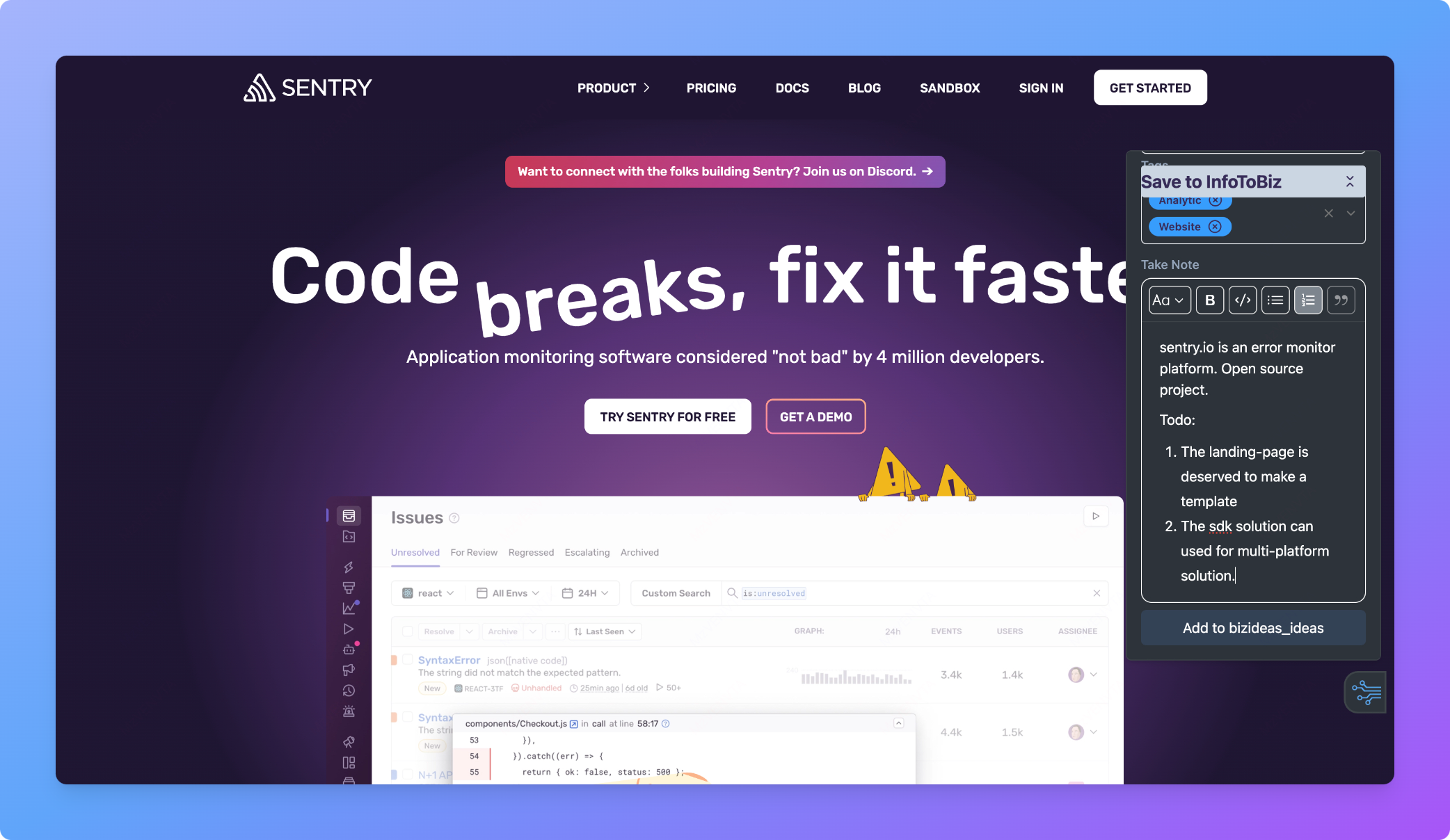 #### Focus mode
Click this, you can focus on your note taking.
#### Focus mode
Click this, you can focus on your note taking.
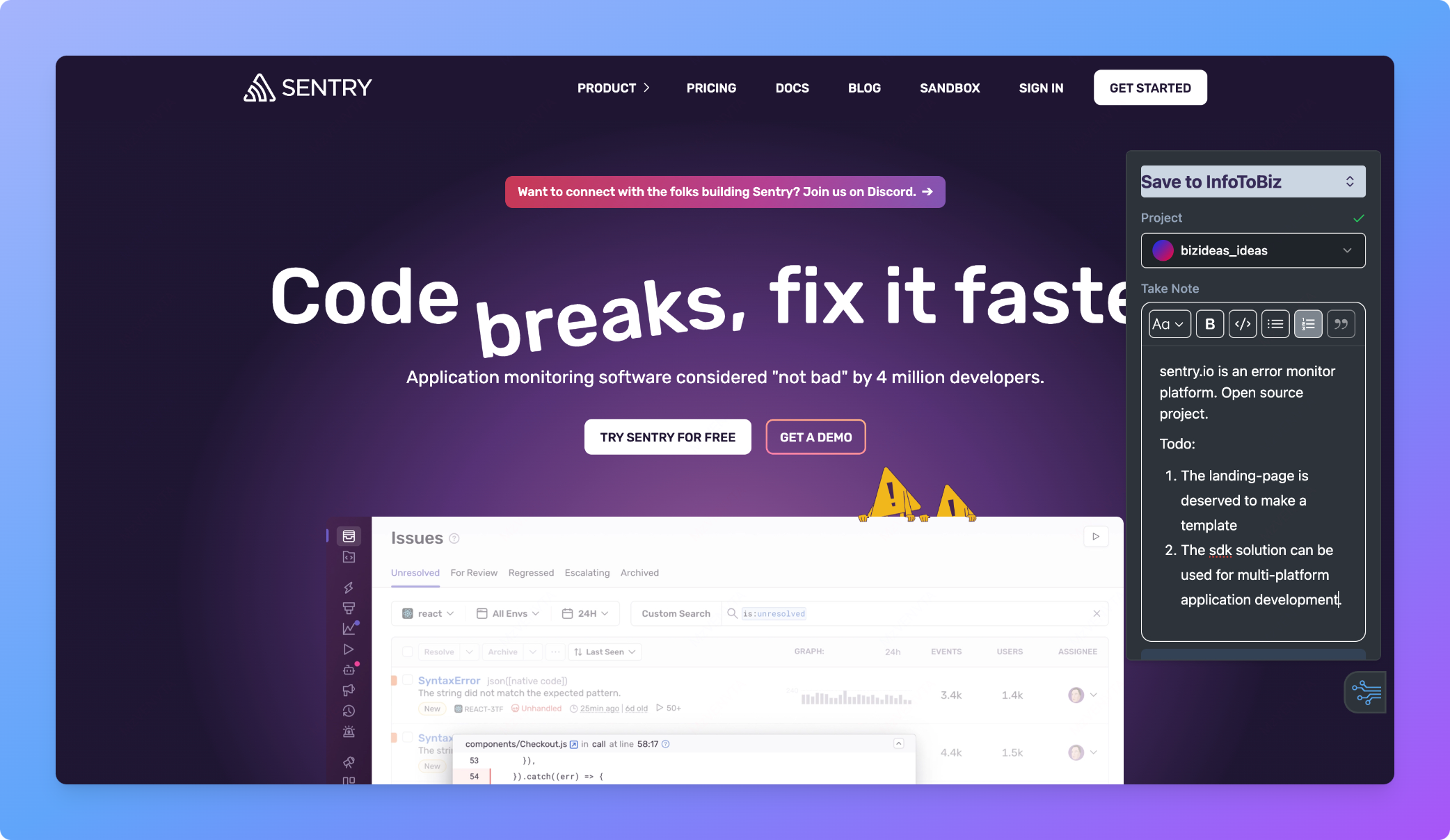 After you fill all the field as you carefully think. Click "Add to project-name".
The record will be collected in the database behind your selected project.
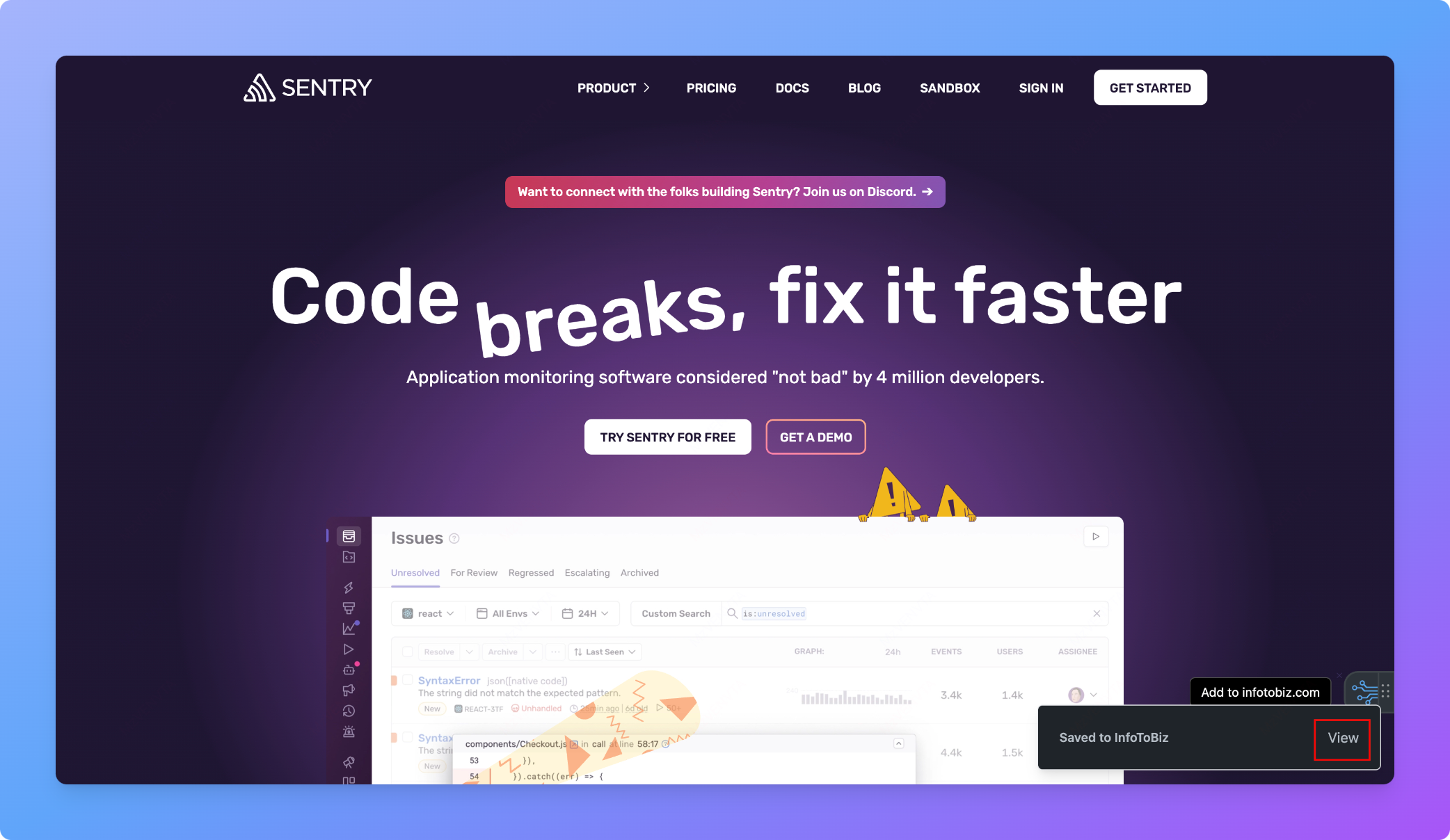
### View the saved record
After saving, you can click the "View" button to see the record in Notion.
After you fill all the field as you carefully think. Click "Add to project-name".
The record will be collected in the database behind your selected project.
### View the saved record
After saving, you can click the "View" button to see the record in Notion.
 This example is saved like this.
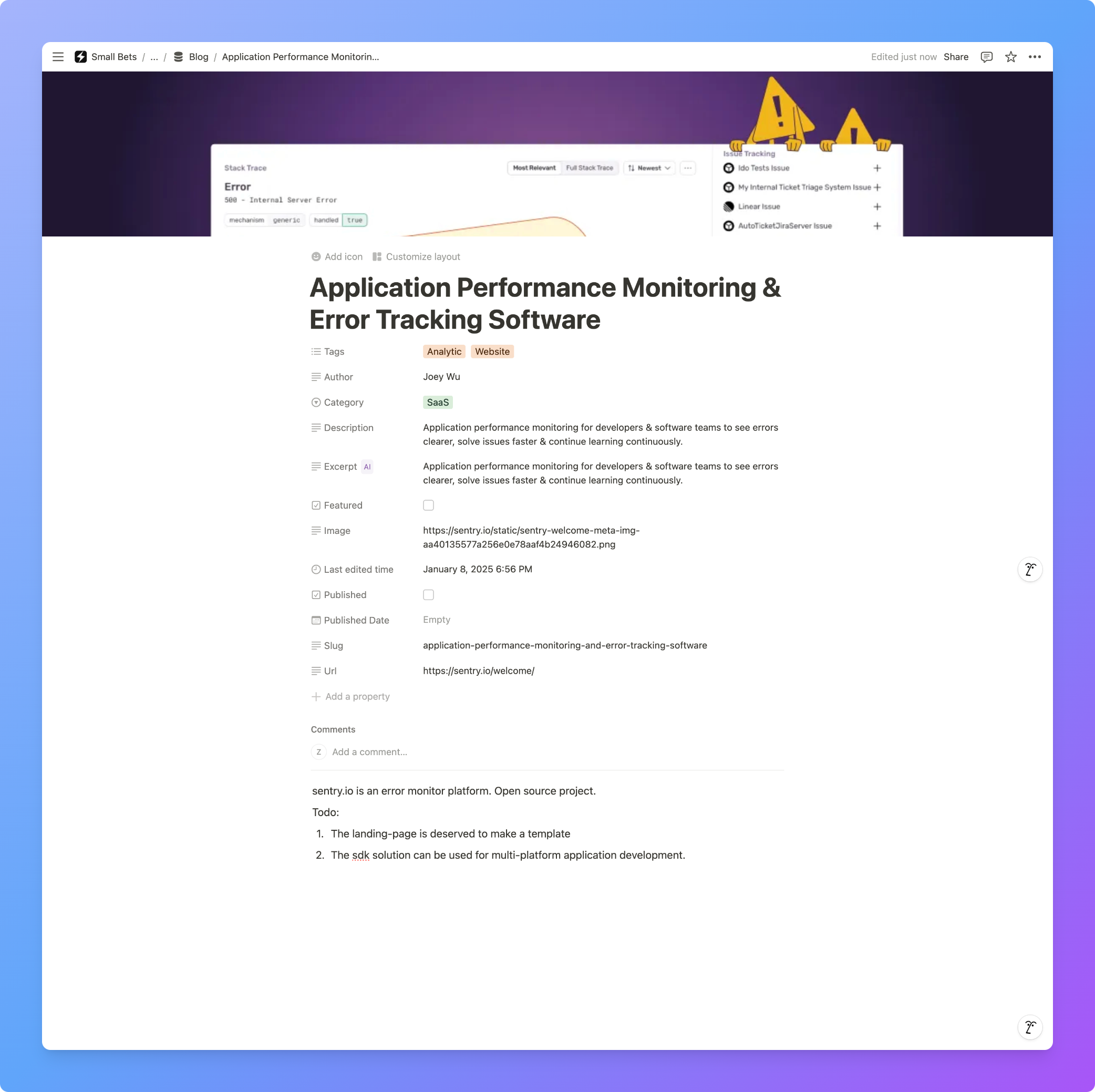 The rich-text feature is also saved correctly.
So, this is your first save. It is very convenient, isn't it?
If you meet any problems, feel free to contact me by click "support".
It is time to build. Enjoy your journey!
The rich-text feature is also saved correctly.
So, this is your first save. It is very convenient, isn't it?
If you meet any problems, feel free to contact me by click "support".
It is time to build. Enjoy your journey!