> ## Documentation Index
> Fetch the complete documentation index at: https://docs.infotobiz.com/llms.txt
> Use this file to discover all available pages before exploring further.
# API Error
> API Error you may get.
## Invalid page cover URL
### Case
[https://www.documind.chat/](https://www.documind.chat/)
After you open the extension, You can see the image.
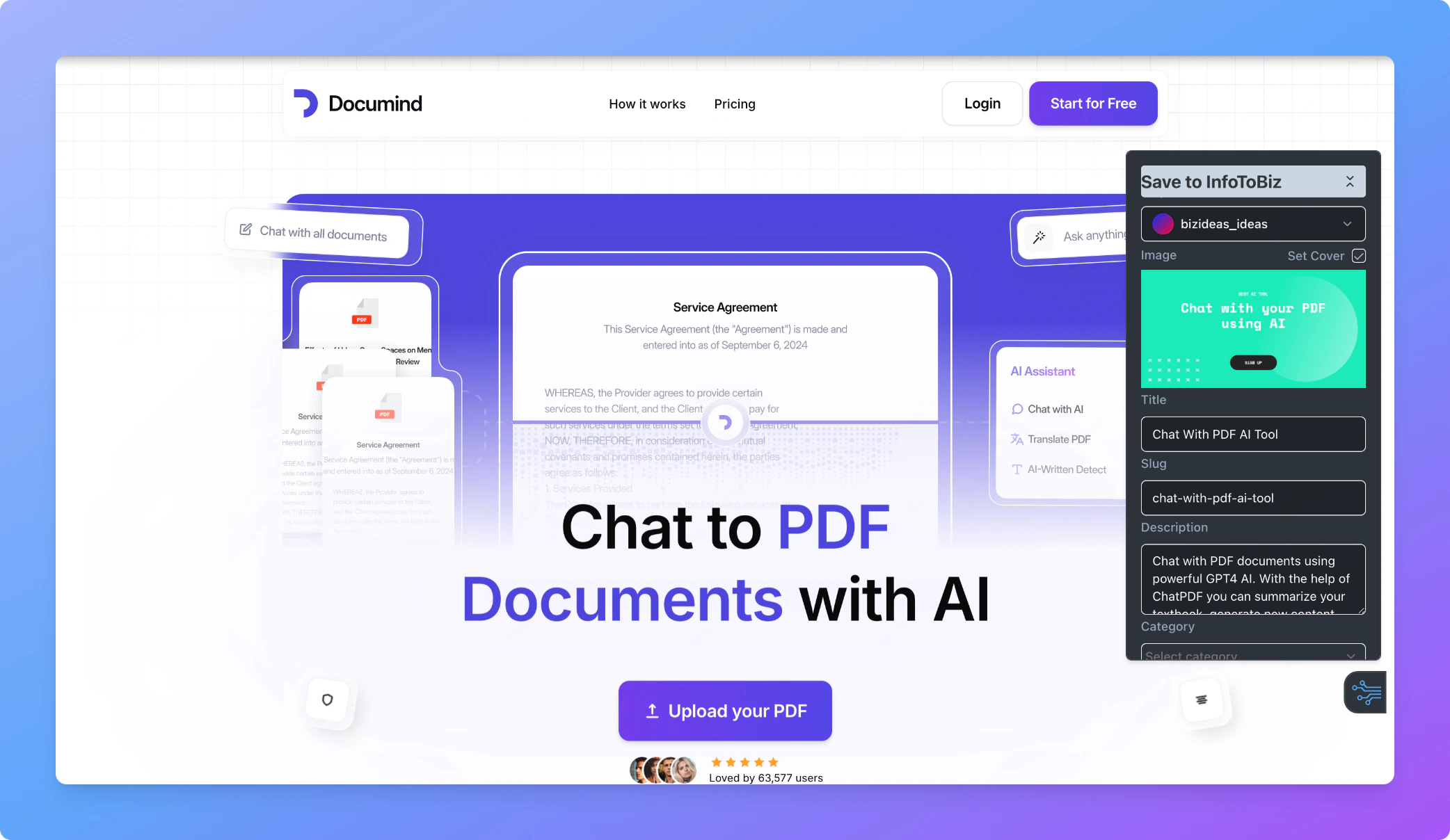 But when you save the record. You will get this error.
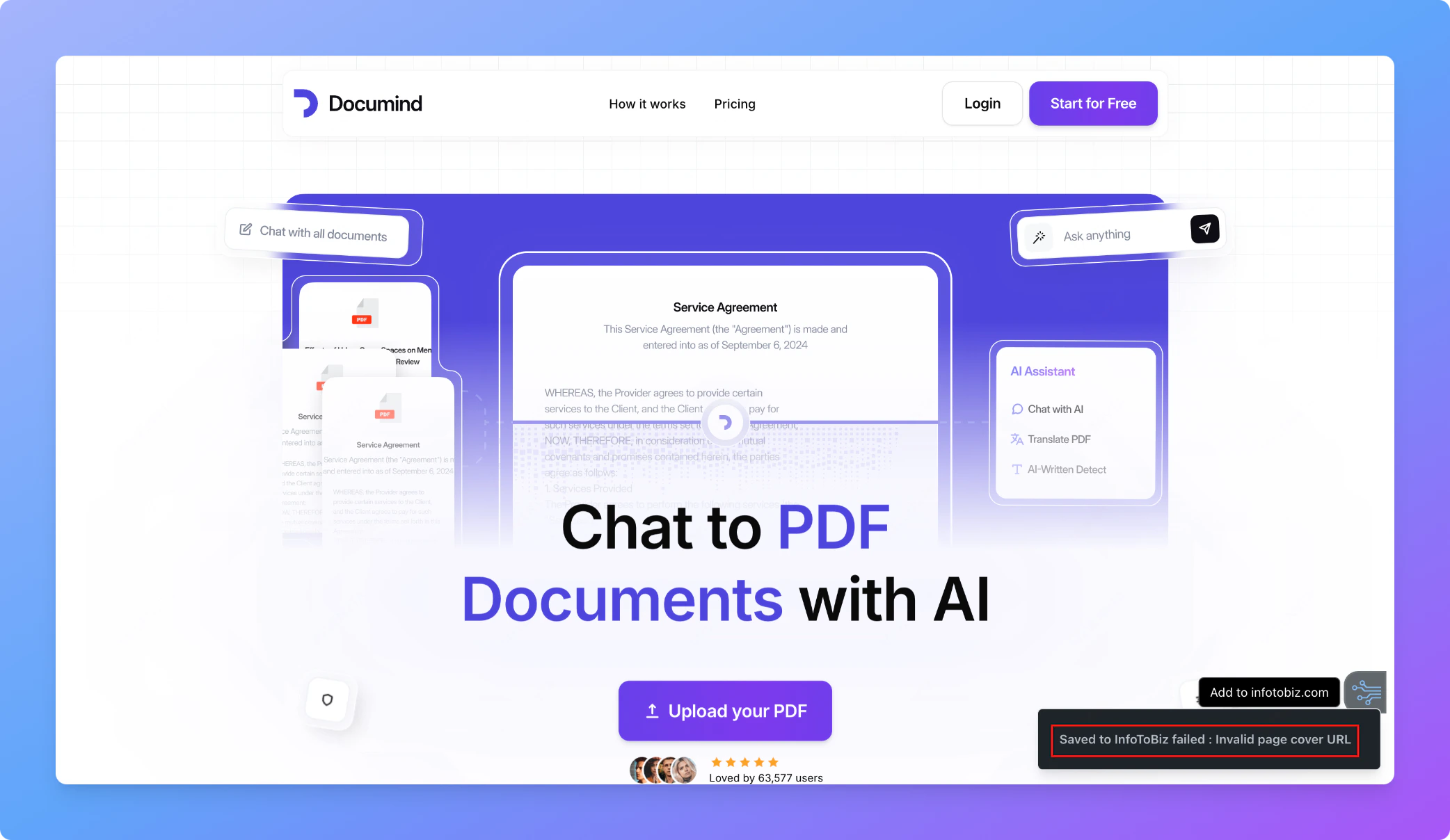 The reason is that, not all image path can be set to record cover in Notion.
### Solution
Deselect the "Set Cover" and save again.
The reason is that, not all image path can be set to record cover in Notion.
### Solution
Deselect the "Set Cover" and save again.
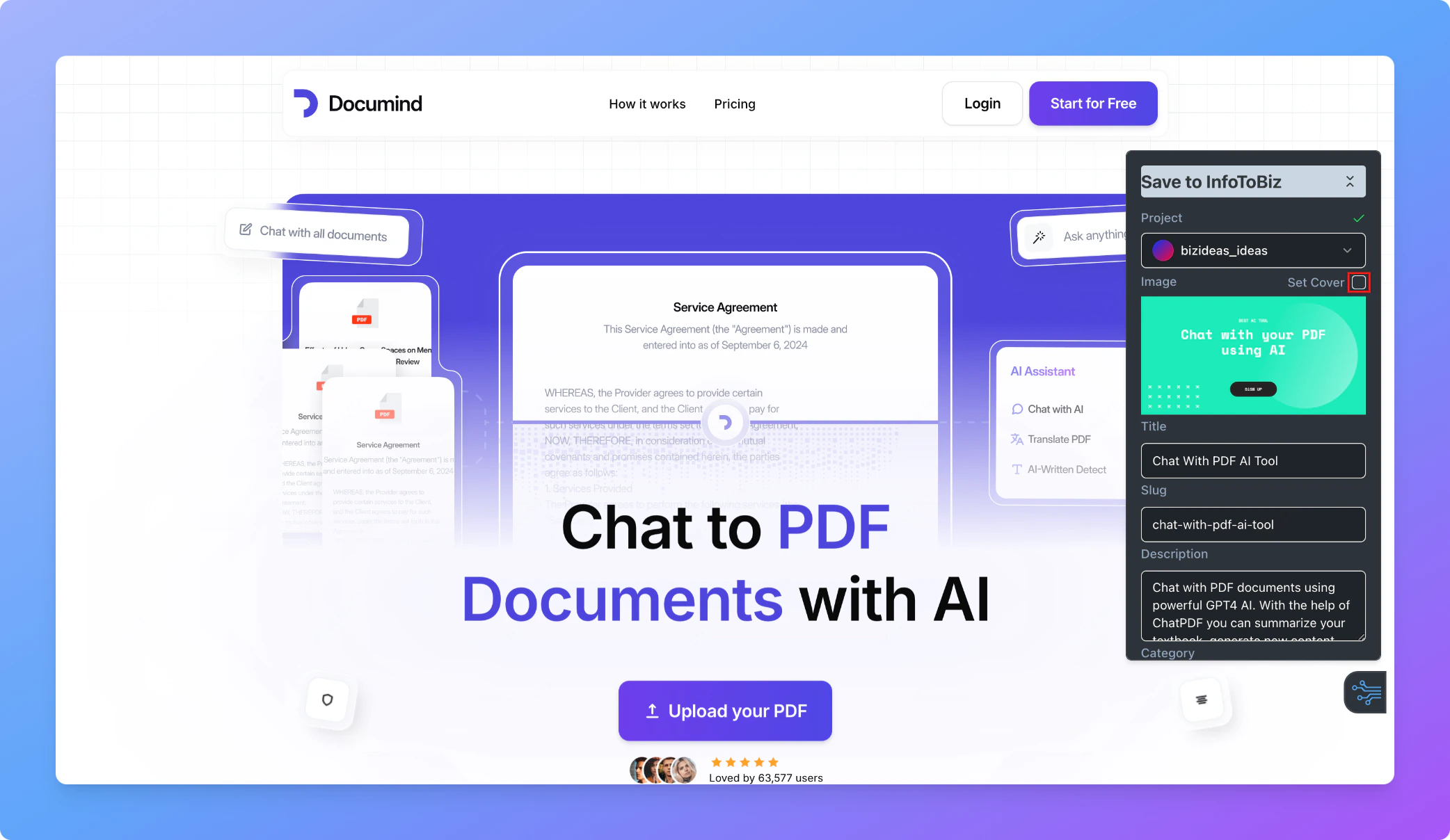 Then click the View button and upload the cover manually.